



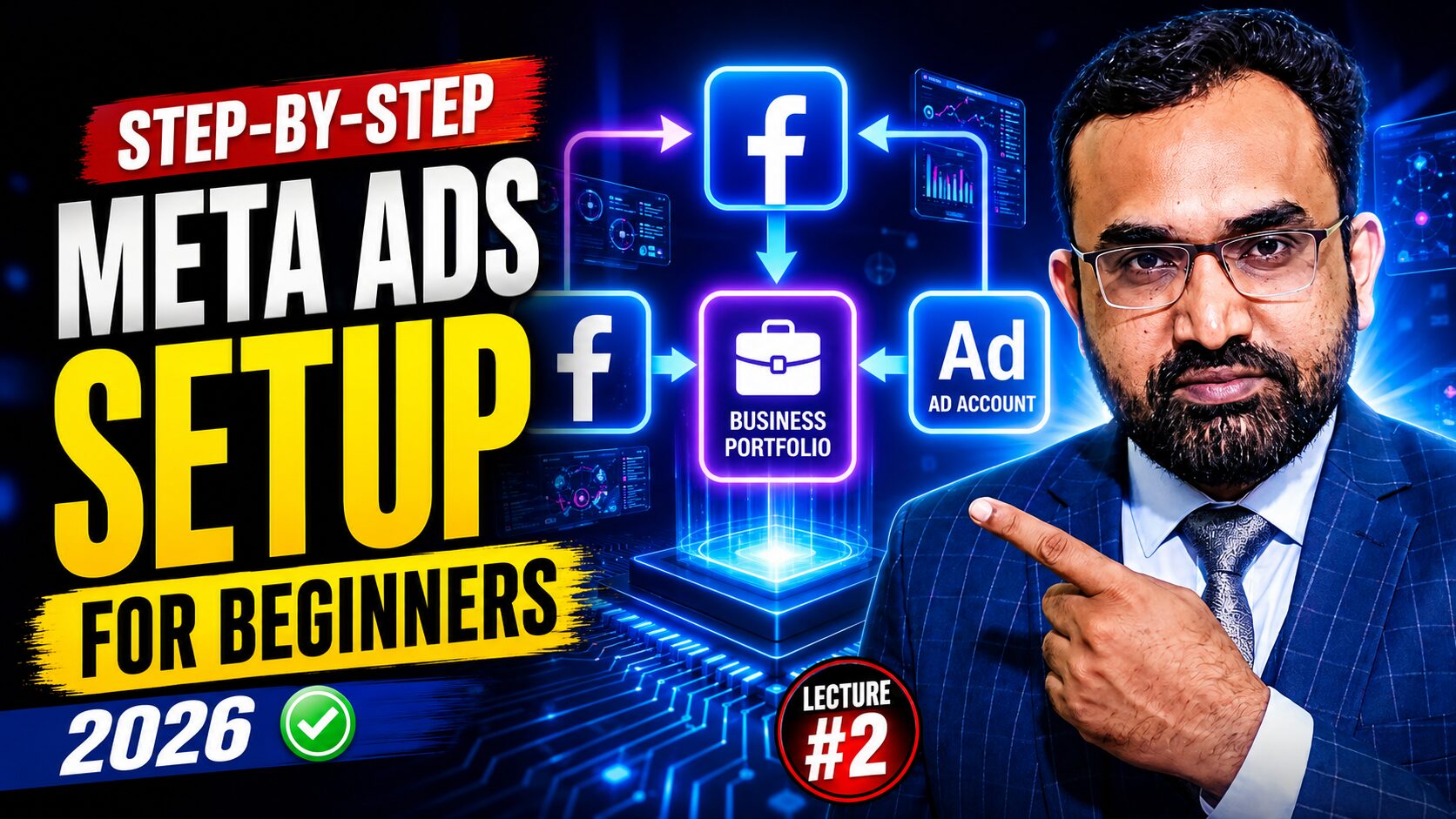
Meta Ads Manager Setup 2026: The Bulletproof Framework for High-ROI Campaigns
Launching a digital advertising campaign on a shaky foundation is the fastest way to drain your budget. Many advertisers struggle with the relentless frustration of disabled accounts, payment failures, or stagnant performance, unaware that their downfall was scripted during the initial setup. In the high-stakes environment of 2026, a “quick setup” is no longer a viable option—it is a liability.
This guide provides an authoritative walkthrough of the Meta Ads Manager Setup 2026 ecosystem. We will navigate the shift from basic page creation to the sophisticated internal architecture of the Meta Business Portfolio. By following this strategist-level manual, you will build a robust system designed to withstand technical blocks and leverage Meta’s latest algorithmic shifts.
Whether you are scaling a global Shopify store or localizing lead generation, mastering this setup is mandatory. We are operating in the era of Meta Andromeda, where technical precision directly dictates your delivery and cost-per-result.
Table of Contents
Key Takeaways
- Professional Separation: Always segregate personal activities from business assets via a Meta Business Portfolio.
- Ecosystem Integration: Mandatory connection of Instagram and WhatsApp is required to unlock full cross-platform reach.
- Financial Finality: Currency and Timezone settings are effectively permanent; a mistake here necessitates an account restart.
- The Trust Building Phase: New accounts face a 3–6 month limit on account creation while Meta verifies policy compliance.
- Andromeda Optimization: 2026 objectives are heavily influenced by automated optimization; precision in setup is the only way to “steer” the AI.
- Data Synthesis: Exported CSV reports should be analyzed via AI (ChatGPT/Claude) to identify high-performing creative variables.
——————————————————————————–
Table of Contents
1. Establishing Your Digital Flagship: The Facebook Business Page
Your Facebook Business Page is the front door of your brand. To begin, navigate to the “Pages” section of your profile and select “Create New Page.”
Using the example of “Finest Hub,” a retail brand, ensure every field is treated with strategic intent:
- Page Name: Finest Hub (Avoid generic names; stay brand-specific).
- Category: For e-commerce, “Shopping & Retail” is essential for proper indexing.
- Bio: Use AI like ChatGPT to craft a bio that balances SEO keywords with brand authority.
- Location & Hours: Provide a verified address and ZIP code. Setting hours to “Always Open” signals professional availability to the algorithm.
Pro-Tip: During the upload of your profile picture (logo) and cover image, ensure your files meet Meta’s exact pixel requirements. As seen in the “Finest Hub” setup, low-resolution files or incorrect aspect ratios can cause the system to reject the upload, damaging your page’s initial quality score.
2. Meta Business Suite: Centralizing Your Command Center
The Meta Business Suite is your professional “office.” It is here that you bridge the gap between social presence and advertising power.
The non-negotiable step in 2026 is connecting your Instagram and WhatsApp Business accounts. Without this connection, your ads are restricted to a single channel, effectively doubling your costs by ignoring Meta’s cross-platform optimization capabilities. Linking these accounts ensures your creative assets flow seamlessly across the entire ecosystem.
3. Architecting Your Business Assets: The Meta Business Portfolio
Terminology Alert: In 2026, the term “Business Manager” is deprecated. Continuing to use it marks you as an amateur. The Business Portfolio is the modern framework for managing assets, pixels, and team permissions.
To architect your portfolio:
- In Business Suite, click the dropdown and select “Create a Business Portfolio.”
- Input your formal Business Name, First Name, Last Name, and a verified Business Email.
- Confirm the email immediately to unlock full asset management features.
4. Configuring Your Ad Account for Global Scalability
Within your Portfolio, you must create a dedicated Ad Account. This is the financial and analytical engine of your campaigns.
Critical Technical Warning: When prompted, you must select your Timezone (e.g., Asia/Karachi or London/GMT) and Currency (e.g., PKR or GBP) with absolute certainty. These settings are permanent for the life of the account. A mistake here will lead to billing discrepancies and often requires abandoning the account and losing all historical data.
Note that Meta enforces a Trust Building Phase. Initially, you are limited to one ad account. After 3–6 months of consistent spending and policy adherence, Meta will expand this limit, allowing you to scale into multiple accounts for different regions or product lines.
5. The Personal Profile Trap: Why Beginners Fail
Running ads through a personal profile is the hallmark of an amateur and a primary cause of account bans. Professional-grade advertising requires tools that personal profiles cannot access.
Strategic Risks of Personal Profiles:
- Total Asset Loss: A single policy violation can lead to your personal Facebook account being permanently banned, taking your business access with it.
- Technical Blindness: You lose access to the Meta Pixel and Conversion API, making it impossible to track sales or ROI accurately.
- Scaling Caps: You cannot assign team roles or manage complex asset permissions.
6. Navigating the Meta Ads Manager Hierarchy
The Ads Manager is organized into a three-tier hierarchy. To manage high-ROI campaigns, you must understand the strategic goal of each level.
|
Level
|
Key Functions
|
Strategic Goal
|
|---|---|---|
|
Campaign
|
Objective Selection (Sales, Leads, etc.)
|
Alignment with Business KPIs
|
|
Ad Set
|
Demographics, Budget, Placement
|
Efficiency and Targeting Optimization
|
|
Ad
|
Creative Selection (Image, Video, Carousel)
|
Creative Engagement and Conversion
|
7. The Andromeda Era: 2026 Campaign Objectives
In 2026, the Meta Andromeda algorithm has moved toward heavy automation. Your choice of objective now acts as the primary signal to this AI.
- Awareness: Maximize reach for brand recognition.
- Traffic: Funnel users to a specific landing page or shopify store.
- Engagement: Optimize for social proof (likes, comments, video views).
- Leads: High-intent data collection (essential for real estate or B2B).
- App Promotion: Dedicated installs and in-app action tracking.
- Sales: The gold standard for e-commerce, optimized for direct conversion.
Under the Andromeda update, the algorithm prioritizes “Sales” and “Leads” objectives with much higher precision, provided your Pixel data is clean.
8. Advanced Optimization & Compliance Tools
The “All Tools” menu houses the instruments that separate the strategists from the button-pushers:
- Ads Reporting & AI Analysis: Do not just look at the dashboard. Export your data as a CSV file and feed it into AI tools like ChatGPT or Claude. Instruct the AI to “Analyze this data for underperforming creative or high-cost demographics” to receive optimization recommendations.
- Audience Control & Compliance: Use this to manage location restrictions. For example, if advertising Electronic Cigarettes, you must use location controls to exclude regions like Pakistan where they are banned, while targeting areas where they are legal. This protects your brand safety and prevents account termination.
- Event Manager: This is the heartbeat of your 2026 setup, where the Meta Pixel and Conversion API (CAPI) are configured to track post-click behavior.
- Billing: Connect a secure Credit or Debit card to ensure uninterrupted campaign delivery.
——————————————————————————–
Internal & External Linking Suggestions
- Internal: Shopify store optimization guide (Preparing your site for Andromeda traffic).
- Internal: Digital marketing strategies for startups (Building brand authority from day one).
- External: Official Meta Business Support (For technical troubleshooting).
- External: Yoast SEO Best Practices (Advanced content optimization).
——————————————————————————–
Conclusion
The difference between a profitable campaign and a wasted budget lies in the professional rigor of your foundation. A “Professional Setup” within the Meta Ads Manager Setup 2026 framework is the only way to leverage advanced AI optimization and protect your business from account volatility. By correctly architecting your Business Portfolio and Ad Accounts today, you ensure that Meta’s algorithm works for you, not against you. Begin your professional configuration now to secure your competitive advantage in the Andromeda era.
——————————————————————————–
FAQ
How does the Inbox tool in Meta Business Suite streamline multi-platform management?
The Inbox tool serves as a centralized communication hub, aggregating Messenger, Instagram DMs, and WhatsApp messages into a single dashboard. This allows your team to manage customer service at scale without switching between apps, improving response times—a key metric for the 2026 algorithm.
Can I change my ad account currency if I move locations?
No. Meta treats Currency and Timezone as permanent settings. If you move or require a different billing currency, you will typically need to create a new ad account within your Business Portfolio, losing your historical optimization data.
Why is my ad account creation limit stuck at one?
All new Business Portfolios start in a “Trust Building Phase.” Meta monitors your payment history and compliance with advertising policies for 3–6 months. Once you are deemed a low-risk advertiser, your limit will automatically increase.
What happens if I don’t connect Instagram to my Business Suite?
You will be unable to run ads on Instagram’s placement or utilize Instagram-specific engagement audiences. This significantly hinders Meta’s ability to find the lowest-cost conversions across its entire ecosystem.
What is the “Meta Andromeda” update?
Andromeda is the 2026 evolution of Meta’s ad delivery algorithm. It focuses more on machine learning and automated “Advantage+” placements, requiring advertisers to focus more on high-quality creative and clean data rather than manual granular targeting.
How do I use AI to improve my ad performance?
Export your campaign reports in CSV format and provide them to an LLM (like ChatGPT). Ask the AI to identify patterns in “hook rates” or “cost-per-purchase” across different age groups or creative styles to inform your next round of testing.