



Table of Contents
1. Introduction
Staring at the Meta Ads Manager dashboard can feel like trying to solve a puzzle with half the pieces missing. For most marketers, the manual grind of exporting CSVs, calculating ROAS in spreadsheets, and hunting for budget leaks is a massive drain on productivity. This “analysis paralysis” often prevents the fast, decisive action required to scale a profitable brand.
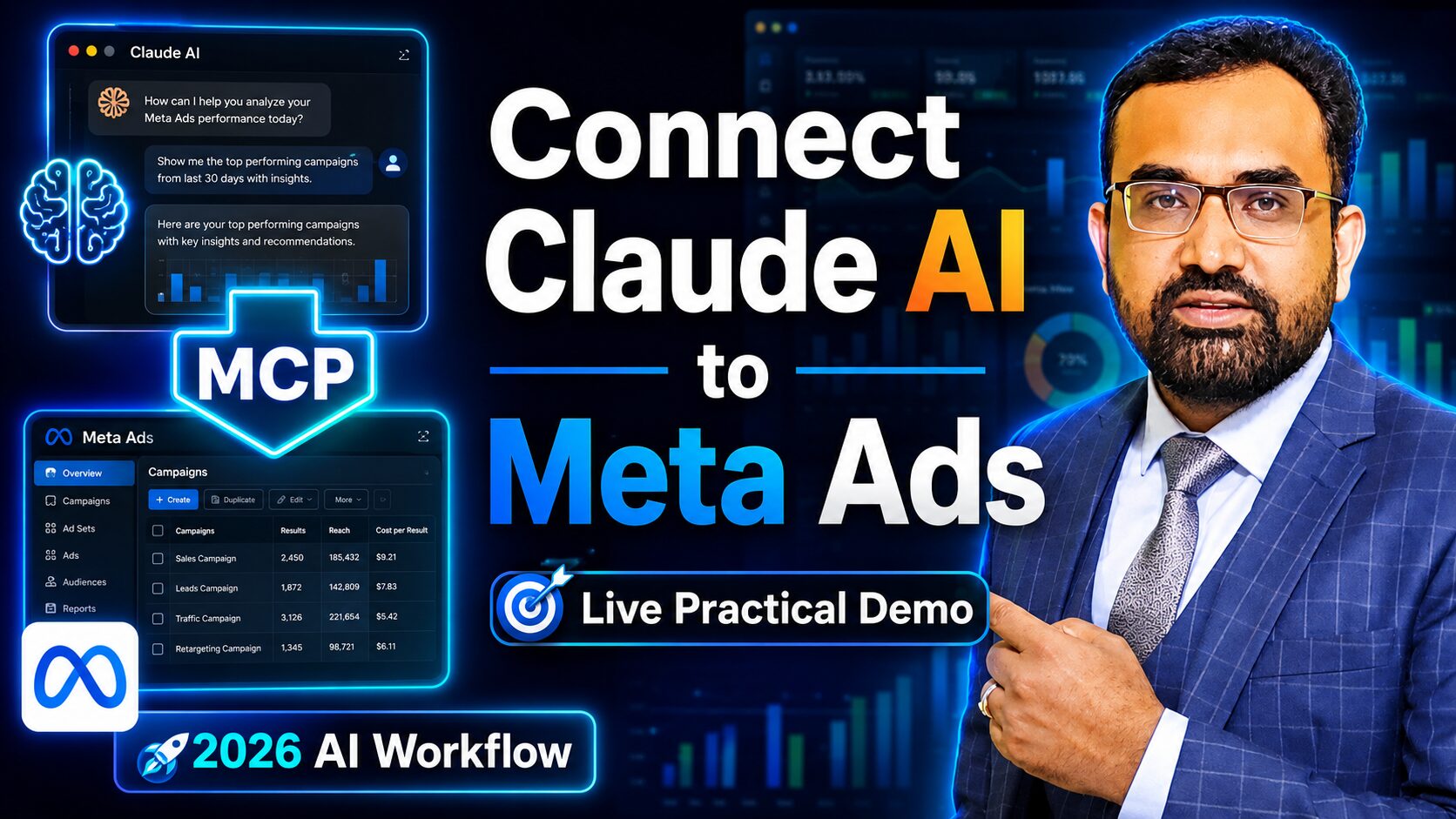
The solution lies in the Model Context Protocol (MCP), a revolutionary bridge that allows an LLM to interact directly with live data. When you connect Claude AI with Meta Ads, you effectively hire a 24/7 senior data analyst. Instead of clicking through tabs, you simply ask Claude for the answers you need in plain English.
In this guide, I’ll walk you through the exact technical setup to sync Claude with your advertising accounts. You will learn how to leverage native connections and pro-level tools like Pipeboard to generate expert-level recommendations instantly, allowing you to focus on strategy while the AI handles the heavy lifting.
3. Key Takeaways
Quick Summary
- Time Efficiency: Convert hours of manual spreadsheet work into seconds of AI processing.
- Strategic Autonomy: Reduce reliance on high-fee marketing consultants for routine audits.
- Real-Time ROAS: Get an immediate view of profitability across campaigns and ad sets.
- Creative Wins: Identify high-performing creatives and budget-wasting “zombie” ads instantly.
- Conversational Data: Ask specific questions about your account and get structured, actionable reports.
4. Why Manual Analysis is a Thing of the Past
In the traditional workflow, a marketer looks at figures and makes a “best guess.” AI shifts this paradigm from passive data viewing to active decision-making support. Senior strategists know that the real value isn’t in seeing the CPC—it’s in understanding the cross-campaign attribution patterns that humans often miss in a flat table view.
- Traditional Dashboard Viewing: Requires manual filtering, mental math, and a high risk of overlooking micro-trends across different date ranges.
- AI-Powered Conversational Analysis: Uses natural language to identify hidden patterns, compare historical performance to current trends, and suggest specific budget reallocations based on performance ratios.
5. Setting the Foundation: Preparing Claude AI
To begin, you need a properly configured Claude.ai account. While a free account works for initial testing, serious advertisers will eventually want the higher limits of Claude Pro.
- Sign in to Claude.ai.
- Navigate to your Account Logo (bottom left corner).
- Select Settings -> Connectors.
- Click on Customize.
Pro Tip: You must perform this setup in a browser where you are already logged into your Meta Business Manager. Claude requires that active session to verify permissions and successfully sync your assets.
6. Method 1: Basic Connection via Native MCP
This is the quickest way to get a high-level view of your accounts.
- In the “Connectors” menu, click the + (Plus) sign to Add Custom Connector.
- Name it “Meta Ads Native.”
- Enter the URL:
mcp.facebook.com/ads. - Click Add, then Connect.
- Claude will present a list of available Ad Accounts; select yours and hit Save.
To verify, type: “Give me all the ad accounts connected with my MCP.” Note: This native method is great for simple reports, but it often lacks the granular performance ratios needed for deep optimization.
7. Method 2: Advanced Analysis with Pipeboard (The Pro Way)
For professional-grade analysis, Pipeboard provides a more robust data pipeline that includes deeper metrics and better cross-platform support.
- Sign Up: Create an account at Pipeboard and verify your email.
- Select Source: Choose Facebook Ads as your source and follow the prompts to link your Meta Business Manager.
- Generate URL: Pipeboard will provide a unique MCP URL. Copy this to your clipboard.
- Integrate: Return to Claude.ai -> Settings -> Connectors -> Add Custom Connector. Paste the Pipeboard URL and name it “Meta Ads Pro.”
- The “Always Allow” Rule: When you run your first prompt, a popup will appear asking for permission to access the MCP.
- You must click “Always Allow.” If you skip this, the connection will fail to fetch live data.
8. Real-World Case Study: 9 Months of Data Analyzed
To demonstrate the power of this setup, we analyzed 9 months of historical data from a high-growth e-commerce account.
|
Metric
|
Value
|
|---|---|
|
Total Spend
|
292,000
|
|
Impressions
|
1.70 Million
|
|
Reach
|
553,000
|
|
Clicks
|
51,000
|
|
Total Orders
|
793
|
|
Total Revenue
|
1.03 Million
|
Strategic Findings: While the numbers show a healthy scale, Claude immediately identified “budget leaks”—campaigns with high spend but zero conversion attributed over a 30-day window. It also isolated the top 3 creatives driving 70% of the revenue, recommending an immediate 20% budget increase for those specific sets. Note: While these metrics reflect a real high-growth account, your ROAS will vary based on industry and creative quality.
9. How to Prompt Claude for Expert Insights
The quality of your analysis depends on your prompts. You can find your Ad Account ID in the URL of your Meta Ads Manager or under account settings.
- For a Full Audit: “Please provide a depth analysis report of my ad account [Insert ID] for the last 6 months. Identify performance trends and any significant dips.”
- For Creative Strategy: “Identify the top 3 performing creatives based on ROAS and suggest which ones I should scale versus which ones to kill.”
- For Executive Reporting: “Summarize my monthly performance in a table and provide a bulleted list of actionable recommendations for next month.”
Claude will return structured data, including performance graphs, key findings, and specific strategic advice.
11. Conclusion: The Future of Meta Ad Management
The competitive landscape of digital advertising is shifting rapidly. The winning formula is no longer just about who has the biggest budget, but who can achieve the fastest iteration cycle. Integrating AI + Meta + Fast Decision Making is the definitive strategy for dominance in the UK market, where consumer behavior shifts weekly.
Stop guessing which creatives might work and stop wasting your weekends buried in Excel spreadsheets. By using AI-driven insights, you can find your budget leaks in seconds and scale your winners before the competition even realizes what happened.
Don’t wait for your competitors to automate their growth. Set up your MCP connection today, reclaim your time, and start managing your business with the precision of a data scientist. Your bottom line will thank you.
12. Frequently Asked Questions (FAQ)
Is it safe to connect my Meta Ads to Claude?
Yes. The connection is established at the browser level via secure protocol. You are authorizing Claude to read your data, but your login credentials and sensitive financial information remain secure within the Meta ecosystem.
Do I need a paid Claude account?
You can start for free to test the connection. However, for analyzing large datasets (like 6-12 months of history) or running frequent queries, the Claude Pro plan is highly recommended.
Can I use this for TikTok or Google Ads too?
Yes. While the native MCP is Facebook-specific, using the Pipeboard method (Method 2) allows you to connect TikTok Ads, Google Ads, and even Snapchat Ads to the same Claude interface.
What exactly is MCP?
Model Context Protocol (MCP) is an open standard that allows AI models to safely “plug into” external data sources, providing them with the real-time context they need to give accurate answers.
Will this replace my marketing agency?
Not necessarily. Think of this as a powerful assistant that removes the “grunt work.” You still need a human strategist to guide the creative vision and high-level business goals.